
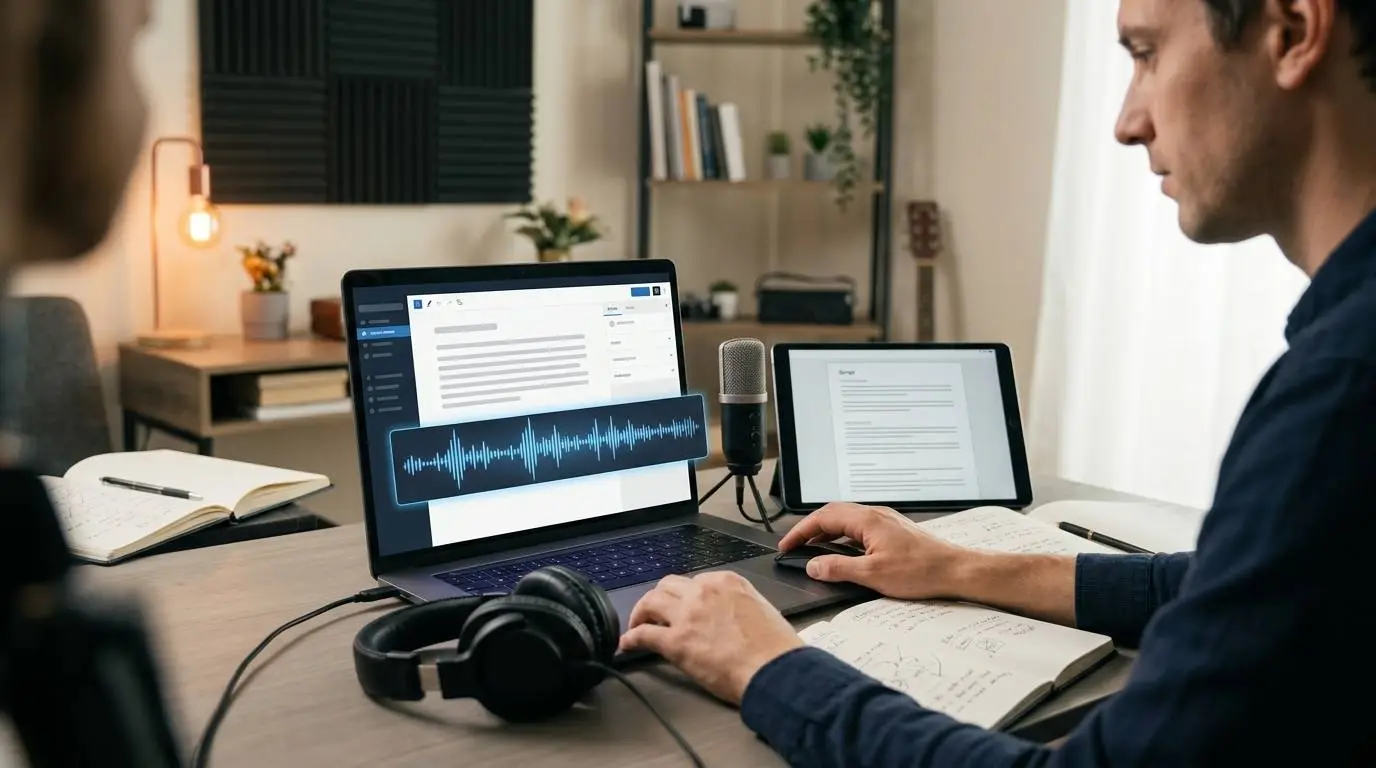
- Blog posts, newsletters and guides can become audio summaries, short-form voiceovers, course lessons, onboarding clips or podcast-style mini episodes.
- The best blog-to-audio candidates are articles that explain, teach, compare or guide.
- Written posts usually need to be rewritten for listening before they become good audio scripts.
- AI voice tools can speed up audio production, but the script, pacing and review process still matter.
- Creators should use AI voices ethically, with proper rights, consent and clear commercial-use terms.
Most creators and small businesses have more content than they realize.
A blog post. A newsletter. A customer guide. A product tutorial. A founder note. A case study. A long LinkedIn post. A how-to article that took hours to write and then disappeared into the archive.
The problem is not always content creation.
The problem is content mileage.
A written article may reach readers who like to search, skim and save information. But not every potential customer wants to read. Some people listen while driving. Some listen while walking. Some listen while working. Some would rather hear a short explanation than scroll through 1,500 words on a phone.
That is why audio content is becoming more interesting for creators, marketers and small businesses.
But here is the catch: not everyone wants to start a podcast.
A podcast requires planning, recording, editing, publishing, guest management, consistency and a real production routine. That can be too much for a solo creator, affiliate site, SaaS founder, coach, agency or local business.
The smarter move is simpler: turn the written content you already have into useful audio assets.
Not a full podcast. Not a complicated studio setup. Not another content machine to maintain. Just a better way to reuse the ideas you already worked hard to create.
The content problem nobody talks about
Most marketing teams do not suffer from a lack of ideas.
They suffer from a lack of distribution.
A blog post may take five hours to research, write, edit and publish. Then it gets posted once, maybe shared on social media, and quickly becomes buried.
That is inefficient.
A strong article should not live in only one format. It can become:
- A short narrated summary
- An audio version of the full post
- A voiceover for a YouTube video
- A narration track for a short-form video
- A lesson inside an online course
- A product education clip
- A customer onboarding audio guide
- A newsletter audio companion
- A podcast-style mini episode
- A social post with voice narration
The idea is not to create more content for the sake of it. The idea is to get more value from the content you already trust.
Why audio works for busy audiences
Audio fits into moments where reading does not.
People can listen while commuting, exercising, cleaning, cooking or doing routine work. Audio also makes content feel more personal. A written sentence can inform someone. A voice can guide them.
That matters in marketing.
A voice can add tone, pacing and emphasis. It can make a complex explanation feel easier. It can make a brand feel more human. It can help educational content feel less like homework.
For small businesses, audio can also make content more accessible. Some users have visual limitations, reading difficulties or simply prefer listening. Providing an audio version gives people another way to engage.
The goal is not to replace writing. The goal is to give the same idea more entry points.
Start with the right type of blog post
Not every blog post should become audio.
Some posts are too visual. Some depend heavily on tables, charts or screenshots. Some are outdated. Some are too thin to deserve another format.
The best candidates are posts that explain, teach, compare or guide.
Good blog-to-audio candidates include:
- How-to guides
- Beginner explainers
- Product tutorials
- Tool comparisons
- Step-by-step checklists
- Industry trend breakdowns
- Customer education content
- FAQ-style articles
- Thought leadership essays
- Case studies with a clear story
Weak candidates include thin news updates, posts filled with screenshots, data tables with little explanation, old posts with outdated facts, articles written only for search engines and content with no clear takeaway.
A good audio piece should still make sense if someone never looks at the page. That is the test.
Do not read the blog post word for word
This is the biggest mistake.
A blog post is designed for the eye. Audio is designed for the ear.
People can skim a page. They cannot skim audio the same way. A sentence that looks fine in writing may sound stiff when spoken out loud.
Before turning a blog post into audio, rewrite it for listening.
That means:
- Use shorter sentences.
- Remove unnecessary transitions.
- Explain visuals verbally.
- Cut repeated SEO phrases.
- Add natural pauses.
- Replace long lists with grouped ideas.
- Use a conversational opening.
- Make the ending feel complete.
For example, a written blog intro might say:
“In this article, we will explore the key considerations that small businesses should evaluate when choosing an email marketing platform.”
An audio version should sound more natural:
“Choosing an email marketing tool sounds simple until you realize how many options look the same. Here is what actually matters before you pay for one.”
The second version sounds like someone talking to a listener. That is what audio needs.
Build a simple blog-to-audio workflow
You do not need a complicated production system.
A practical workflow can look like this:
Step 1: Choose one strong article
Pick a post that already has a clear problem, useful advice and a defined audience. Do not start with your longest post. Start with your clearest one.
Step 2: Create a listening script
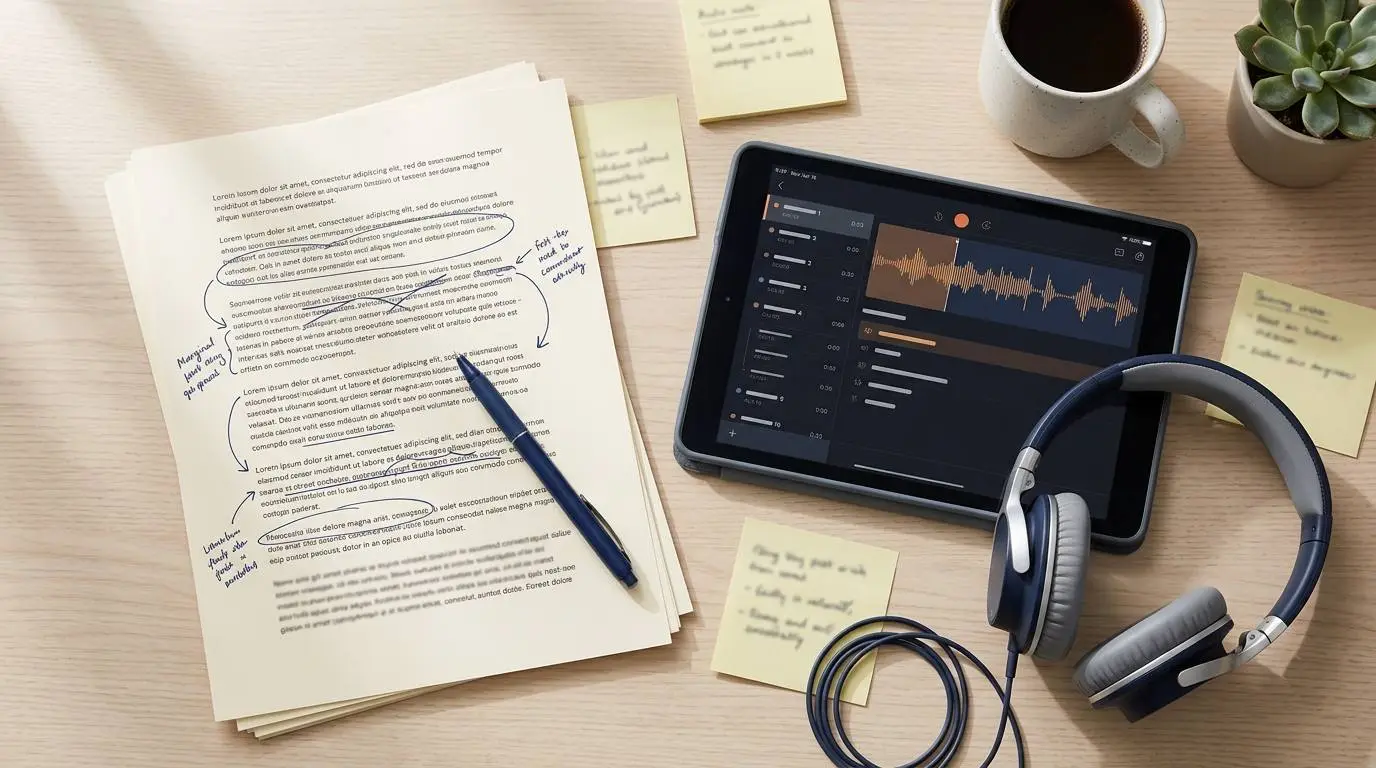
Turn the article into a spoken script. Cut the intro. Tighten the explanation. Remove anything that sounds like SEO filler. Make sure every paragraph works when heard, not just when read.
Step 3: Choose the voice style
The voice should match the topic. A finance guide should sound calm and trustworthy. A productivity article can sound clear and practical. A creator tutorial can sound warmer and more energetic. A product demo should sound confident and direct. A technical explainer should sound precise, not dramatic.
The wrong voice can make good content feel cheap.
Step 4: Generate or record the narration
You can record your own voice if you have the time, confidence and audio setup.
If not, an AI voice tool can turn the script into narration much faster.
The important part is to review the output. Listen for awkward pacing, mispronounced words, unnatural emphasis and sections that sound too dense.
Step 5: Edit for rhythm
Audio needs breathing room. Add pauses between ideas. Make sure the voice is not too fast. Remove sections that feel repetitive. Keep the listener moving.
Step 6: Publish in more than one place
The same audio can be used in different ways:
- Embedded inside the article
- Added to a newsletter
- Used as narration for a short video
- Uploaded as a private training resource
- Turned into a podcast-style clip
- Added to a product education page
- Used in a course or onboarding flow
One script can become several assets. That is the real value.
The best audio content is not always long
A common mistake is thinking every audio version has to be a full reading of the article.
It does not.
Sometimes a three-minute summary is more useful than a 15-minute narration.
Think in formats:
Short audio summary
Best for: blog posts, newsletters and social sharing.
Length: 1 to 3 minutes.
Purpose: Give the listener the main idea quickly.
Full article audio
Best for: deep guides and evergreen content.
Length: 5 to 15 minutes.
Purpose: Let readers listen instead of read.
Voiceover for short video
Best for: TikTok, Instagram Reels, YouTube Shorts and LinkedIn clips.
Length: 20 to 60 seconds.
Purpose: Turn one insight into a visual asset.
Training audio
Best for: internal teams, online courses and customer onboarding.
Length: 3 to 10 minutes.
Purpose: Teach a process clearly.
Podcast-style mini episode
Best for: creators, founders and thought leadership.
Length: 5 to 12 minutes.
Purpose: Make the article feel more personal and editorial.
The right format depends on the audience and the goal.
Use audio to make old content feel new again
One of the easiest wins is updating older evergreen content.
If you have an article that still gets traffic, add an audio version. If you have a guide that performs well, create a short narrated version for social media. If you have a newsletter that received strong replies, turn it into a founder-style audio note.
This is not content recycling in a lazy way.
It is content asset management.
A strong idea should not be locked into one channel. The more formats it can live in, the more chances it has to reach the right person.

Where audio helps most
Audio content works especially well in a few situations.
Educational blogs
If your site teaches people how to do something, audio can make the content easier to consume.
Examples include guides about choosing a budgeting app, protecting online privacy, comparing AI writing tools, creating product demo videos or running better Facebook Ads.
These topics work because people may want to learn while multitasking.
Product tutorials
If your product needs explanation, audio can guide the viewer through the steps.
This is useful for SaaS companies, apps, marketing tools, fintech products, course platforms and creator tools.
A clear voiceover can make a product feel easier to use.
Affiliate content
Affiliate websites can use audio to improve the reader experience.
A buyer guide can become an audio summary. A comparison post can become a short narrated breakdown. A tutorial can become a video script.
This gives the site more content assets without rewriting the entire article from scratch.
Newsletters
A strong newsletter can become a short audio note.
This works especially well for founder-led brands, creator newsletters, finance newsletters and marketing newsletters.
Audio makes the message feel more direct.
Online courses
Course creators often need narration, but recording every update can be tiring.
AI voice can help create rough lessons, supplementary audio, practice materials or quick updates. For premium flagship courses, some creators may still prefer human narration, but AI can speed up smaller content updates.
Make the voice sound human by writing better scripts
AI voice quality matters, but the script matters just as much.
A bad script will still sound bad with a good voice.
To make audio sound more natural:
- Write shorter sentences.
- Use contractions.
- Use direct language.
- Avoid long stacked clauses.
- Break complex ideas into steps.
- Read the script out loud before generating audio.
- Add pauses where the listener needs time.
- Use words people actually say.
- Remove stiff phrases like “in today’s digital landscape.”
Bad audio script:
“Businesses seeking to maximize content efficiency should consider leveraging audio transformation workflows in order to increase audience engagement across multiple distribution channels.”
Better audio script:
“If you already wrote a good article, do not let it sit there. Turn it into something people can listen to, watch or share.”
That is the difference. The second version sounds like a person.
When AI voice makes sense
AI voice is useful when speed, consistency and scale matter.
It makes sense when:
- You publish often
- You need many short voiceovers
- You update content frequently
- You do not want to record your own voice
- You do not have a quiet recording setup
- You want consistent narration across many assets
- You need different voice styles for different content
- You want to create audio before investing in a full production team
This is especially practical for small teams.
A large brand may have editors, producers and voice actors. A solo creator or small business usually does not.
AI voice can close that gap.
When human voice is still better
AI voice is not always the best choice.
A human voice is often better for:
- Personal storytelling
- Founder-led content
- Emotional brand campaigns
- Customer testimonials
- Sensitive topics
- High-budget brand films
- Content built around personality and trust
If the audience expects to hear from a specific person, do not replace that voice casually.
A strong AI voice workflow should support authenticity, not fake it.
Use AI voice ethically
AI voice tools should be used responsibly.
Do not clone another person’s voice without clear permission. Do not create fake endorsements. Do not make listeners believe a real person said something they did not say. Do not imitate public figures, employees, customers or creators in a misleading way.
For normal content repurposing, the safest approach is simple:
- Use licensed AI voices.
- Use your own voice only with consent and control.
- Disclose AI narration when appropriate.
- Do not misrepresent who is speaking.
- Review commercial usage rights before publishing.
Audio can build trust. Do not use it in a way that destroys trust.
Tool option: turn scripts into audio faster
If you want to turn blog posts, newsletters or guides into audio without recording every line yourself, an AI voice platform can make the workflow much faster.
ElevenLabs is one option to consider. It can turn written scripts into realistic audio for voiceovers, podcasts, content narration, training material and video scripts. For creators and small businesses, the main advantage is speed: you can write, edit, generate and update narration without setting up a full recording process every time.
That can be useful if you want to add audio versions to blog posts, create short-form video voiceovers, repurpose newsletters, produce product tutorials or test different narration styles before committing to a final version.
The best workflow is not to let AI write everything and publish blindly.
The better workflow is:
- Write the idea.
- Edit it for listening.
- Generate the narration.
- Review the audio.
- Fix pacing and pronunciation.
- Publish it where it helps the audience.
Used that way, AI voice is not a shortcut around quality. It is a faster production layer for content that already deserves to exist.
ElevenLabs can help creators, marketers and small businesses generate voiceovers for blog posts, videos, tutorials, podcasts and training content.
A simple 7-day test
If you are not sure whether audio belongs in your content strategy, do not overthink it.
Run a small test.
Day 1
Choose one strong blog post.
Day 2
Rewrite it into a three-minute listening script.
Day 3
Generate or record the voiceover.
Day 4
Edit the audio and add a simple intro or outro.
Day 5
Embed the audio inside the article.
Day 6
Turn the best 30-second section into a short video narration.
Day 7
Review performance.
Look at:
- Time on page
- Social engagement
- Video completion
- Newsletter clicks
- User feedback
- Affiliate clicks if relevant
If the audio performs well, repeat the process for your best evergreen posts.
If it does not, improve the script before blaming the format.
Final thoughts
You do not need to start a podcast to use audio content.
You can start smaller.
Take one article that already works. Turn it into a listening script. Add clean narration. Use it inside the post, in a newsletter, in a short video or as part of a product education flow.
The internet is crowded with written content. Audio gives your ideas another way to reach people.
For creators, marketers and small businesses, that matters.
The smartest content strategy is not always creating something new from zero.
Sometimes it is taking a strong idea and giving it a second life in a format your audience can actually fit into their day.
Editor’s note
This article is for general educational purposes only. AI voice tools should be used legally, ethically and with proper rights or consent. Always review current commercial-use terms before publishing AI-generated audio in public or client-facing content.