
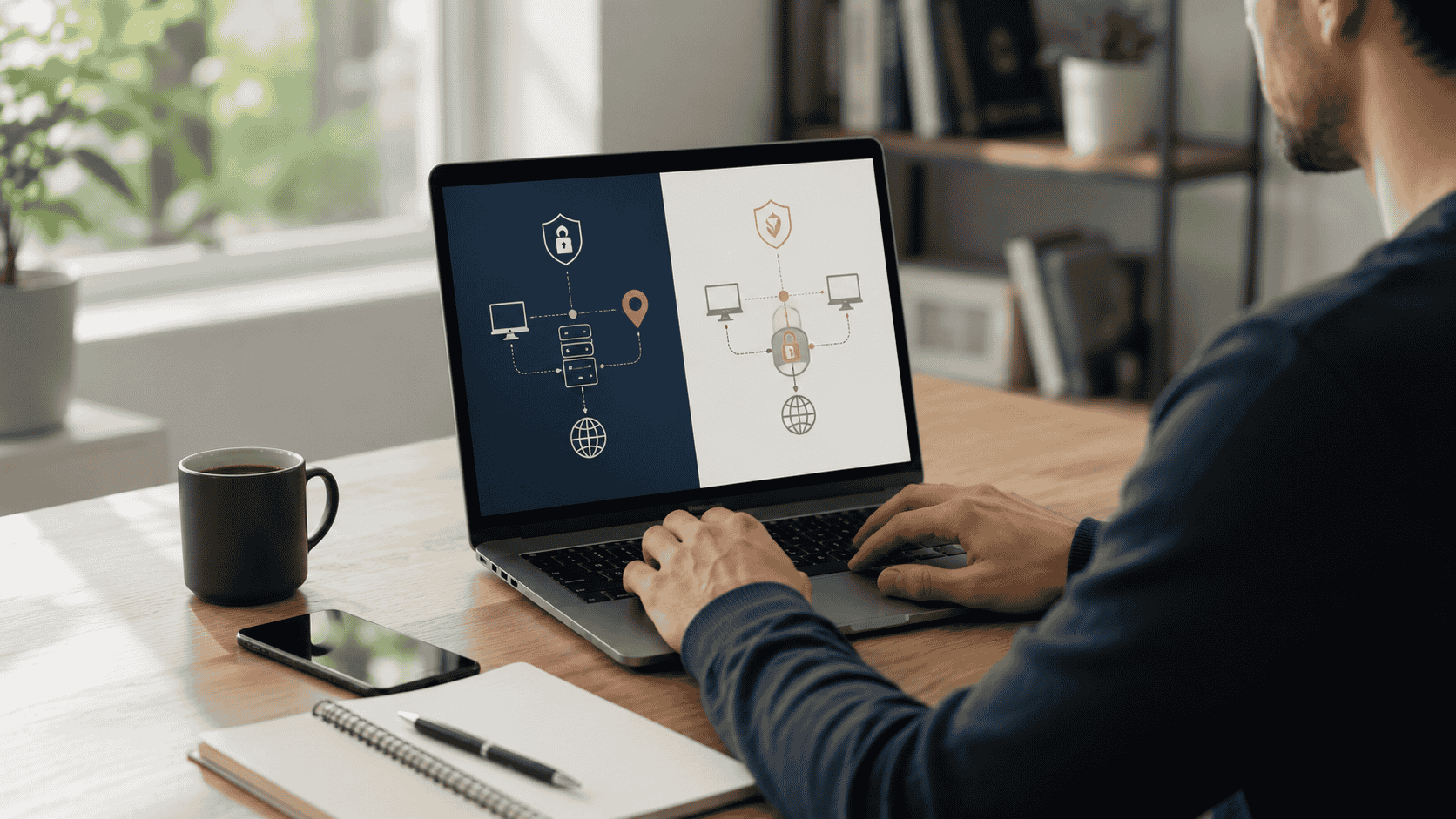
- A proxy server acts as a middle layer between your device or app and the website you are accessing.
- A VPN usually encrypts your internet traffic and routes it through a secure tunnel.
- VPNs are often better for everyday users who want safer browsing, especially on public Wi-Fi.
- Proxies are often better for business tasks such as SEO checks, ad verification, localized browsing and web testing.
- A proxy is not automatically more private than a VPN, and a VPN is not automatically better for every task.
- The right choice depends on privacy needs, speed, location control, app support, budget and compliance.
If you care about online privacy, remote work, web research or safer browsing, you have probably seen two tools mentioned again and again: proxies and VPNs.
At first, they sound similar.
Both can route your internet connection through another server. Both can change the IP address that websites see. Both can help users manage privacy and location-based browsing.
But they are not the same tool.
A VPN is usually better for everyday privacy and secure browsing, especially when using public Wi-Fi or working remotely. A proxy is often better for specific tasks such as SEO research, ad verification, localized web testing, web development, market research and business workflows that need more control over IP type and location.
The best choice depends on what you are trying to do.
This guide explains the difference between proxies and VPNs, when each one makes sense and how to choose the right option without overpaying.
What is a proxy?
A proxy server is an intermediary server that sits between your device and the website or online service you want to access.
Instead of your device connecting directly to a website, the request goes through the proxy first. The website then sees the proxy’s IP address instead of your original IP address.
A simple version looks like this:
Your device → Proxy server → Website
This setup can be useful when you need to separate traffic, test websites from different locations or manage specific browser and app sessions.
Proxies are commonly used by:
- SEO teams
- Ad verification teams
- Web developers
- Market researchers
- E-commerce teams
- Data analysts
- Privacy-focused users
- Businesses testing localized websites
A proxy can be configured for a browser, app, scraping tool, automation workflow or network setup depending on the provider and proxy type.
What is a VPN?
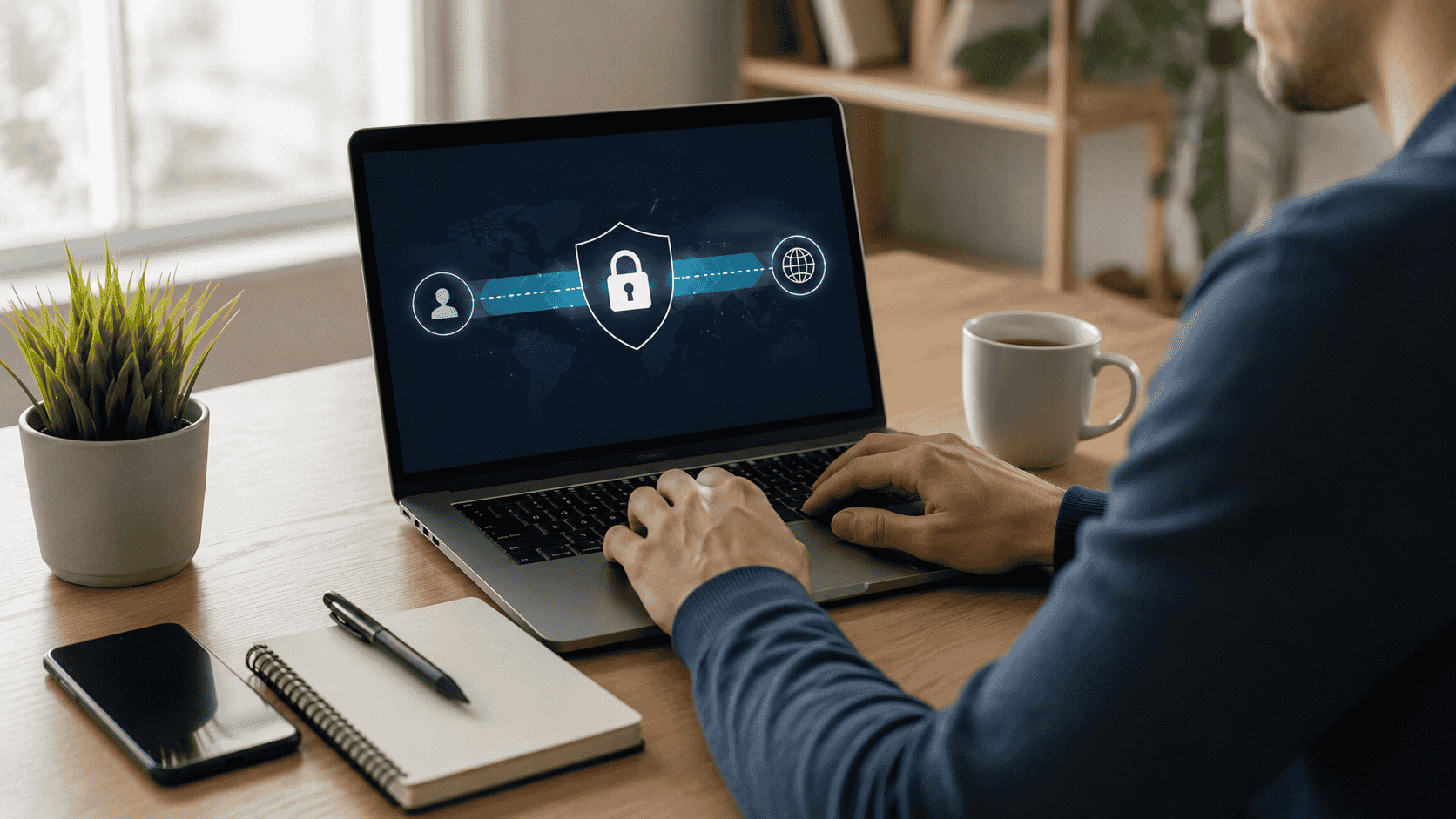
A VPN, or virtual private network, creates a secure connection between your device and a VPN server.
When you connect to a VPN, your internet traffic is routed through an encrypted tunnel. Websites and apps see the VPN server’s IP address instead of your original IP address.
A simple version looks like this:
Your device → Encrypted VPN tunnel → VPN server → Website
VPNs are popular for everyday privacy and security because they can protect data on public networks and reduce exposure from unsafe Wi-Fi connections.
VPNs are commonly used by:
- Remote workers
- Travelers
- Students
- Everyday internet users
- People using public Wi-Fi
- Businesses with remote teams
- Users who want device-wide privacy protection
A VPN is usually easier for beginners because it often works at the device level. Once the VPN is connected, most internet traffic from that device goes through the VPN connection.
Proxy vs VPN: the simple difference
The easiest way to understand the difference is this:
A VPN is usually built for secure, encrypted browsing across your device.
A proxy is usually built for controlling how specific traffic appears online.
That is why a VPN is often the better choice for general privacy, while a proxy is often the better choice for business research and technical workflows.
Here is a quick comparison:
| Feature | Proxy | VPN |
|---|---|---|
| Main purpose | Routes specific traffic through another IP | Encrypts and routes device traffic |
| Best for | Research, testing, SEO, ad verification and business workflows | Public Wi-Fi, everyday privacy and remote work |
| Encryption | Usually not the main feature | Usually a core feature |
| Setup | Browser, app, tool or network level | Usually device-wide |
| Speed | Can be very fast depending on type | Can be slower due to encryption |
| Location control | Often more flexible | Usually country or city server selection |
| Business use | Strong for data and testing workflows | Strong for secure access and remote work |
| Beginner-friendly | Depends on provider | Usually easier |
When a VPN makes more sense
A VPN is usually the better choice if you want simple privacy protection for everyday internet use.
You use public Wi-Fi
Public Wi-Fi at airports, hotels, coffee shops and libraries can be convenient, but it is not always secure.
A VPN can help protect your connection by encrypting traffic between your device and the VPN server. This makes it harder for attackers on the same network to monitor your activity.
If your main concern is using Wi-Fi safely while traveling or working outside the home, a VPN is usually the better starting point.
You want device-wide protection
A proxy may only work inside a specific browser, app or tool. A VPN usually protects most traffic from your device once it is connected.
That makes VPNs easier for everyday users.
If you do not want to configure individual apps, a VPN is simpler.
You work remotely
Many companies use VPNs to let employees securely access internal systems, company dashboards, private files and business applications.
For remote workers, a VPN can be part of a company’s security setup.
If your employer provides a VPN, use the approved company tool instead of choosing a random consumer VPN for work access.
You want simple privacy
A VPN can help hide your original IP address from websites and reduce direct exposure from your internet provider or public networks.
It does not make you completely anonymous, but it can add a useful layer of privacy for general browsing.
When a proxy makes more sense
A proxy is usually the better choice when you need control over IP type, location, sessions or specific traffic.
You need localized web research
Websites can show different results depending on location. Search results, prices, ads, product availability and landing pages may vary by city, state or country.
A proxy can help businesses view public web pages from different locations.
This is useful for:
- SEO checks
- Local search testing
- Price monitoring
- Market research
- E-commerce testing
- Regional landing page reviews
For example, a business may want to see how its website appears to users in New York, Los Angeles, Miami and Dallas.
You need ad verification
Advertisers need to confirm that ads are appearing correctly in the right locations.
A proxy can help marketing teams check whether ads, landing pages and offers are showing as expected across different regions.
This can be especially useful for brands running campaigns in multiple U.S. states or international markets.
You need browser or app-level control
Sometimes you do not want your entire device to use a different connection. You only want one browser, one app or one workflow to use a specific IP.
A proxy can be configured more narrowly.
That makes it useful for teams that separate research, testing, development and regular browsing.
You need different proxy types
Proxy services often offer several types of IPs, including:
- Datacenter proxies
- Residential proxies
- ISP proxies
- Mobile proxies
Each type has a different balance of speed, cost, reliability and realism.
Datacenter proxies are usually fast and affordable. Residential proxies are often better for realistic location-based browsing. ISP proxies can offer stable sessions. Mobile proxies are useful for mobile app and mobile ad testing.
This flexibility is one reason proxies are popular with business users.
You need sticky or rotating sessions
Some workflows need the same IP address for a longer session. Other workflows need rotating IPs.
Proxy providers often let users choose between sticky sessions and rotating sessions.
This can be useful for legitimate business workflows such as testing, monitoring and research.

Which is better for privacy?
For most everyday users, a VPN is usually the better privacy tool because encryption is a core feature.
A VPN can help protect traffic on public Wi-Fi and reduce direct exposure of your original IP address. It is also easier to use because one connection can cover most device traffic.
A proxy can also hide your original IP address from the websites you access through it, but encryption depends on the setup, protocol and website connection. A proxy is not automatically a full privacy solution.
If privacy is your main goal, choose a reputable VPN with strong security practices, clear privacy policies and no unrealistic promises.
If workflow control is your main goal, choose a reputable proxy provider that explains its IP sourcing, acceptable-use policy, locations and session controls.
Which is faster?
The answer depends on the provider, server location, traffic load and configuration.
Proxies can be very fast, especially datacenter proxies. They may have less overhead than a VPN because they may not encrypt all device traffic in the same way.
VPNs can be slightly slower because encryption and routing add extra steps. However, good VPN providers are usually fast enough for normal browsing, streaming, email and remote work.
For business tasks, speed is not the only factor. Reliability, IP quality, uptime, location accuracy and session stability may matter more.
Which is better for streaming?
For normal streaming privacy, many people choose VPNs because they are easier to use on a device.
However, streaming platforms often have rules around location, licensing and account usage. Users should follow the terms of the services they use.
This article does not recommend using proxies or VPNs to break platform rules or bypass restrictions.
Which is better for SEO?
For SEO work, proxies often make more sense.
SEO teams may need to check search results from different locations, test local pages, monitor competitors and review how websites appear in specific markets.
A VPN can help with basic location checks, but proxies usually provide more flexible location targeting and workflow control.
For professional SEO research, residential, ISP or datacenter proxies may be useful depending on the task.
Which is better for remote work?
For remote work, a VPN is usually the better choice.
If your company has internal systems, private dashboards or protected files, a business VPN may be required.
Do not replace your employer’s approved VPN with a personal proxy or consumer VPN unless your company allows it.
For personal productivity, a VPN can protect your connection when working from hotels, cafés or airports.
Which is better for market research?
For market research, proxies are often better.
Businesses may need to see how websites, ads, prices and product availability appear in different locations. Proxies can provide more control over location and session behavior.
However, research should stay ethical and compliant. Do not use proxies to steal data, overload websites, bypass access controls or violate terms of service.
Which is better for beginners?
For beginners who just want safer browsing, start with a VPN.
For beginners who want to learn business research, SEO checks or localized testing, start with a small proxy plan.
Do not buy an expensive proxy package before understanding your use case. Start small, test your workflow and upgrade only if needed.
How to choose a VPN
When comparing VPNs, look for:
- Strong encryption
- Clear privacy policy
- No unrealistic anonymity claims
- Good app support
- Fast server speeds
- U.S. and global server locations
- Independent audits if available
- Kill switch feature
- Multi-device support
- Responsive customer support
Avoid VPNs that make extreme promises, hide ownership details or have unclear data practices.
How to choose a proxy provider
When comparing proxy providers, look for:
- Proxy type options
- Location coverage
- Speed and uptime
- Sticky and rotating sessions
- Transparent pricing
- Ethical IP sourcing
- Clear acceptable-use policy
- Easy setup guides
- API or dashboard access
- Customer support
Avoid proxy providers that encourage spam, account abuse, fraud or “undetectable” activity.
Red flags to avoid
Be careful with any privacy tool that:
- Promises complete anonymity
- Has no privacy policy
- Has no acceptable-use policy
- Does not explain pricing clearly
- Encourages illegal or abusive behavior
- Has poor support
- Has no documentation
- Uses fake reviews
- Pushes lifetime deals that sound too good to be true
- Makes it hard to cancel
Good privacy tools should reduce risk, not create new problems.
Proxy vs VPN: which one should you choose?
Here is the simple answer:
Choose a VPN if you want safer everyday browsing, public Wi-Fi protection or remote-work security.
Choose a proxy if you need location control, business research, SEO checks, ad verification, testing or specific traffic routing.
Choose both only if you have a real reason. Some advanced users and businesses use both proxies and VPNs for different workflows, but most beginners do not need both at the same time.
Quick decision guide
| Your goal | Better choice |
|---|---|
| Safer browsing on public Wi-Fi | VPN |
| Remote work security | VPN |
| Simple everyday privacy | VPN |
| SEO location checks | Proxy |
| Ad verification | Proxy |
| Market research | Proxy |
| Website testing from different regions | Proxy |
| Mobile app testing | Mobile proxy |
| Business session control | Proxy |
| Beginner-friendly setup | VPN |
Final thoughts
Proxies and VPNs are both useful tools, but they solve different problems.
A VPN is usually the better choice for everyday privacy, public Wi-Fi and remote work. It is simple, device-wide and built around secure encrypted connections.
A proxy is usually better for business workflows that need more control over location, IP type and session behavior. It is especially useful for SEO research, ad verification, market research and web testing.
The smartest choice is not the most expensive tool. It is the tool that fits your real use case.
If you only want safer browsing, start with a reliable VPN. If you need business-grade location testing or research workflows, compare proxy providers carefully. And if you are not sure, start small before committing to a long-term plan.
Compare beginner-friendly VPNs, residential proxies and datacenter proxy plans to find the option that fits your browsing, research or business workflow.
Editor’s note
This guide is for general educational purposes only. Always use proxies and VPNs legally, ethically and in compliance with the websites, apps and services you access.