

- AI can help workers save time on writing, research, summaries, brainstorming and repetitive tasks.
- The biggest risks are data privacy, inaccurate output, overreliance and unclear workplace policies.
- Workers should avoid entering confidential company data, customer information, financial records or private employee details into public AI tools.
- AI should be treated as an assistant, not a final decision-maker.
- The safest approach is to use approved tools, check every important answer and keep humans responsible for final judgment.
Artificial intelligence is quickly becoming part of everyday office life.
Workers use AI to summarize emails, draft reports, organize notes, create presentations, write code, research topics and turn messy ideas into clear first drafts. For many people, AI is no longer a futuristic technology. It is becoming a daily productivity tool.
But there is a catch.
Using AI at work can save time, but it can also create new risks. A careless prompt can expose company data. A confident AI answer can be wrong. A polished AI-written memo can sound useful while missing important context. And in some workplaces, using an unauthorized AI tool may violate company policy.
The question is no longer simply whether workers should use AI. The better question is how to use AI without creating problems for your job, your employer or your personal data.
Why AI at work is getting so much attention
AI is spreading because it solves a real problem: modern work is overloaded with information.
Many office workers spend their day reading messages, joining meetings, searching documents, updating spreadsheets and preparing reports. AI tools can reduce some of that friction.
Instead of starting from a blank page, a worker can ask AI to draft an outline. Instead of rereading a long meeting transcript, they can ask for a summary. Instead of manually sorting customer feedback, they can ask AI to identify themes.
This is why AI has become especially popular for knowledge work. It helps with tasks that involve words, patterns, documents, code and decisions.
But adoption is still uneven. Many workers are experimenting with AI, while others barely use it at all. Some companies are encouraging AI use, while others are still trying to build policies around it.
That creates confusion. Employees may know that AI can help them, but they may not know what is allowed.
The best ways to use AI at work
AI is most useful when it helps you move faster without replacing your judgment.
Here are some practical workplace uses that are generally safer and more productive.
Drafting first versions
AI is good at helping with first drafts.
You can use it to draft:
- Emails
- Meeting agendas
- Blog outlines
- Internal memos
- Product descriptions
- Job descriptions
- Project updates
- Customer support templates
The key is to treat the output as a starting point, not a finished product.
AI writing often sounds polished, but it can be too generic. It may also invent details if your prompt is vague. Always review the facts, tone and context before sending anything.
A good rule: let AI help you start faster, but do not let it speak for you without editing.
Summarizing long information
AI can be very helpful for summarizing long documents, call notes, meeting transcripts or research materials.
For example, you can ask:
- “Summarize this meeting transcript into action items.”
- “Turn these notes into a project update.”
- “Find the main risks mentioned in this document.”
- “Create a short executive summary.”
This can save a lot of time.
But be careful with sensitive information. If a document includes customer data, contracts, financial details, employee records or confidential strategy, do not paste it into a public AI tool unless your company has approved that tool for such use.
Brainstorming ideas
AI is useful when you need many options quickly.
It can help brainstorm:
- Article topics
- Marketing angles
- Product names
- Email subject lines
- Social media hooks
- Presentation structures
- Customer survey questions
- Sales objections and responses
The best results usually come when you give AI a clear audience, goal and constraint.
Weak prompt: “Give me marketing ideas.”
Better prompt: “Give me 10 marketing angles for a U.S. small-business audience interested in affordable cybersecurity tools. Keep the tone practical and not too technical.”
AI works better when you give it a job, a target reader and a format.
Turning messy notes into clear structure
One of the best everyday uses of AI is organization.
If you have scattered notes, AI can turn them into:
- A checklist
- A table
- A step-by-step plan
- A project timeline
- A client update
- A standard operating procedure
- A meeting recap
This is useful because many workers already know the information. The hard part is turning it into something clean and usable.
AI can help with that.
Learning new concepts faster
AI can explain complicated topics in simple language.
Workers can use it to understand:
- New software tools
- Technical documentation
- Industry jargon
- Legal or compliance basics
- Spreadsheet formulas
- Coding concepts
- Business frameworks
However, AI explanations should not replace official documentation, legal advice, financial advice or expert review.
Use AI to learn faster, then verify important details from trusted sources.
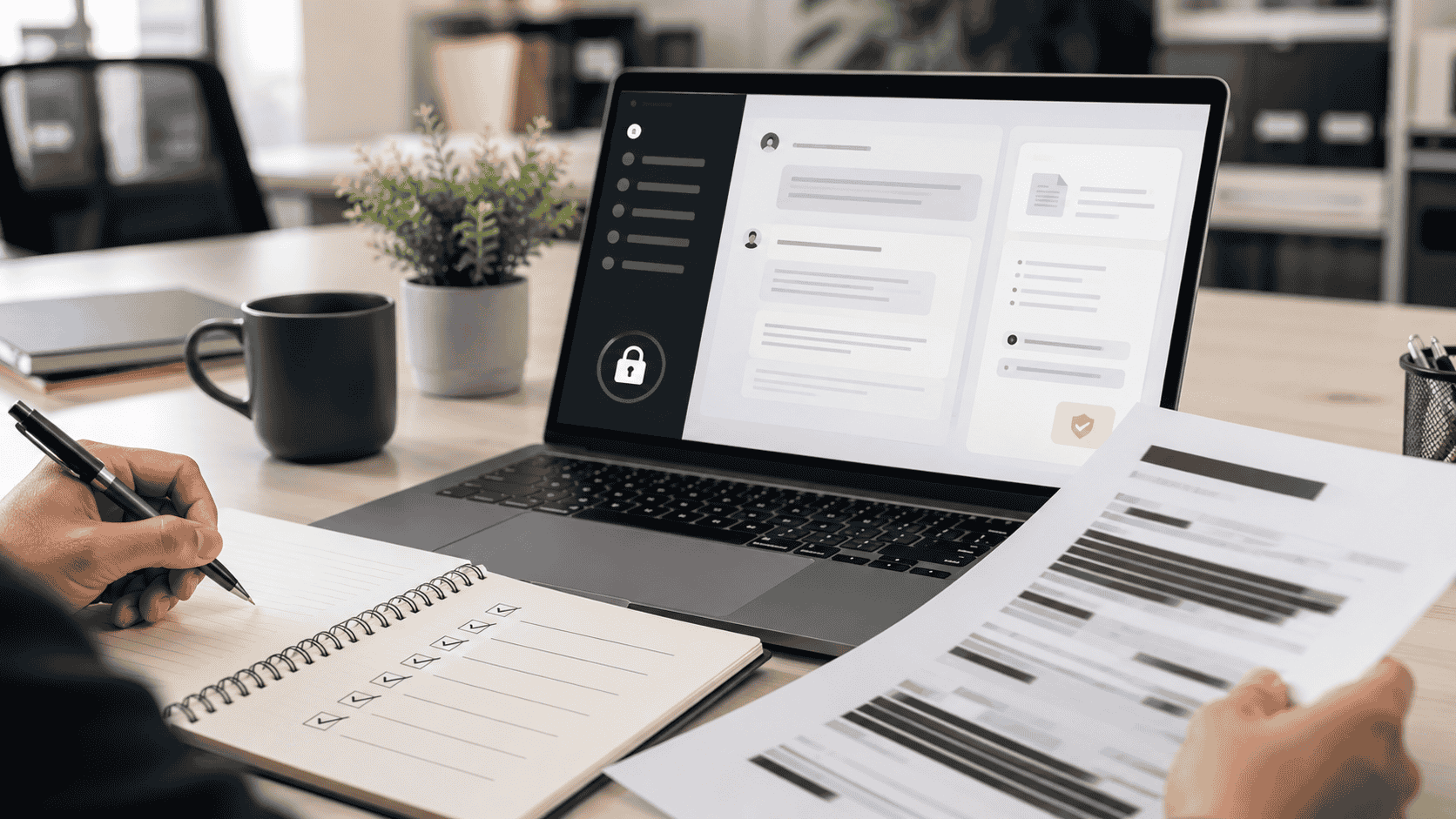
The biggest risks of using AI at work
AI can be useful, but it is not risk-free.
Here are the main problems workers should understand.
Data privacy
The biggest mistake is pasting sensitive information into the wrong tool.
Avoid entering:
- Customer names
- Email addresses
- Phone numbers
- Payment details
- Medical information
- Legal documents
- Internal financial reports
- Private HR information
- Trade secrets
- Unreleased product plans
- Passwords or API keys
Even if the AI tool seems trustworthy, your company may have rules about what can be uploaded. Some tools use data differently depending on account settings, enterprise plans or privacy controls.
If you are unsure, do not paste the information.
A safer approach is to remove names, numbers and identifying details before asking AI to help.
Hallucinations and wrong answers
AI can make mistakes.
It may generate incorrect facts, fake sources, outdated information or confident but misleading explanations. This is often called a hallucination.
This matters because AI output can look professional even when it is wrong.
Do not use AI as the final source for:
- Legal decisions
- Medical advice
- Financial recommendations
- Compliance work
- Hiring decisions
- Security decisions
- Public statements
- Technical instructions that could break systems
Use AI to assist, but verify important details.
Copyright and originality issues
AI-generated content can also raise questions around originality, brand voice and intellectual property.
If you use AI to write marketing copy, articles, images or product descriptions, review the output carefully. Make sure it does not sound copied, generic or misleading.
For business content, the safest approach is to add human experience, original analysis and clear editing.
AI should help you produce better work, not low-quality content at scale.
Company policy problems
Some employees use AI tools before their company has clear rules.
That can create risk.
Your employer may have policies about:
- Which AI tools are approved
- What data can be uploaded
- Whether AI-generated work must be disclosed
- How AI can be used with customers
- Whether AI can be used for code, contracts or HR tasks
If your company has an approved AI tool, use that first. If there is no policy, ask for guidance before using AI with sensitive work.
Overreliance
AI can make workers faster, but it can also make them lazy if used poorly.
If you rely on AI for every answer, you may stop building judgment. You may also miss errors because the output sounds smooth.
The best workers will not be the ones who blindly copy AI answers. They will be the ones who know how to ask better questions, verify results and apply human judgment.
A simple safe AI workflow
Here is a practical workflow for using AI at work:
Step 1: Decide whether the task is safe for AI
Ask yourself:
- Does this include private company information?
- Does this include customer or employee data?
- Would it be a problem if this text were stored outside the company?
- Is this task related to legal, financial, medical or security decisions?
If the answer is yes, be careful. Use approved tools only or remove sensitive details.
Step 2: Give AI a clear role
Instead of asking a vague question, tell AI what to do.
Examples:
- “Act as an editor and improve clarity.”
- “Summarize this for a busy manager.”
- “Turn these notes into action items.”
- “Create a neutral first draft.”
- “Find possible risks in this plan.”
Clear instructions usually produce better results.
Step 3: Keep sensitive details out
Use placeholders when possible.
Instead of: “Write an email to John Smith at ABC Company about his unpaid invoice of $8,240.”
Use: “Write a polite follow-up email to a client about an overdue invoice. Keep it professional and concise.”
Then add the real details manually.
Step 4: Review the output like an editor
Check for:
- Accuracy
- Tone
- Missing context
- Overstatements
- Fake statistics
- Generic phrasing
- Confidential information
- Bias or unfair assumptions
Never assume the first answer is correct.
Step 5: Add human value
The final version should include your judgment.
Add:
- Specific context
- Real examples
- Company voice
- Customer understanding
- Practical experience
- Final decision-making
AI can help you produce a draft. You are responsible for the final work.
What kind of AI tools are worth considering?
For workplace productivity, most people do not need dozens of AI apps. They need a small stack that solves real problems.
Useful categories include:
AI writing assistants
Best for emails, outlines, reports, blog posts and editing.
Look for:
- Clear privacy settings
- Good editing controls
- Tone adjustment
- Team collaboration features
- Export options
AI meeting assistants
Best for summarizing calls, extracting action items and organizing follow-ups.
Look for:
- Accurate transcription
- Calendar integration
- Permission controls
- Easy sharing
- Support for your meeting platform
AI research tools
Best for summarizing sources, comparing information and organizing research.
Look for:
- Source citations
- Reliable retrieval
- Document upload controls
- Clear separation between facts and summaries
AI presentation tools
Best for turning outlines into slides or visual structures.
Look for:
- Editable layouts
- Brand controls
- Export to PowerPoint or PDF
- Clean design templates
AI automation tools
Best for connecting apps and reducing repetitive tasks.
Look for:
- Workflow limits
- Approval steps
- Security permissions
- Integration with tools you already use
The best AI tool is not always the most advanced one. It is the one that fits your workflow and does not create unnecessary risk.
Red flags to avoid when choosing an AI tool
Be careful if an AI product:
- Has unclear privacy terms
- Does not explain how your data is used
- Has no business or team controls
- Makes unrealistic claims
- Encourages users to upload sensitive data without warning
- Produces answers without sources for research-heavy tasks
- Has poor export options
- Makes it hard to delete data
- Does not offer support or documentation
For work use, trust and control matter as much as features.
Will AI replace office workers?
This is one of the biggest questions in the U.S. job market.
The most realistic answer is mixed.
AI will replace some tasks. It may reduce the need for certain repetitive work. It may also change what entry-level employees are expected to do.
But AI will not remove the need for human judgment in many areas.
Workers who can combine AI with communication, domain knowledge, critical thinking and decision-making may become more valuable. Workers who ignore AI completely may fall behind. Workers who use AI carelessly may create new problems.
In many jobs, AI will not replace the worker directly. A worker who knows how to use AI may replace or outperform one who does not.
Practical AI skills workers should learn
If you want to stay useful in an AI-driven workplace, focus on these skills:
Prompting clearly
Learn how to give instructions with context, audience, format and goal.
Checking AI output
Learn how to verify facts, detect weak reasoning and ask follow-up questions.
Protecting data
Know what information should never go into public tools.
Editing AI writing
Make AI-generated text sound specific, useful and human.
Using AI for workflow, not just chat
The biggest gains often come from using AI to organize repeated tasks, not just asking random questions.
Final thoughts
AI at work is not just hype anymore. It is becoming part of how people write, research, plan, summarize and make decisions.
But using AI well requires discipline.
The safest approach is simple: use AI for drafts, summaries, ideas and organization. Keep sensitive data out of public tools. Verify important claims. Follow company policy. Add human judgment before anything goes to a customer, manager or public audience.
AI can help workers move faster, but speed is not the same as quality.
The people who benefit most from AI will be those who treat it as a smart assistant, not an unquestionable expert.
Compare beginner-friendly AI tools and choose one that fits your workflow, privacy needs and budget.
Editor’s note
This article is for general educational purposes. Always follow your employer’s AI, privacy and data-security policies before using AI tools with work-related information.